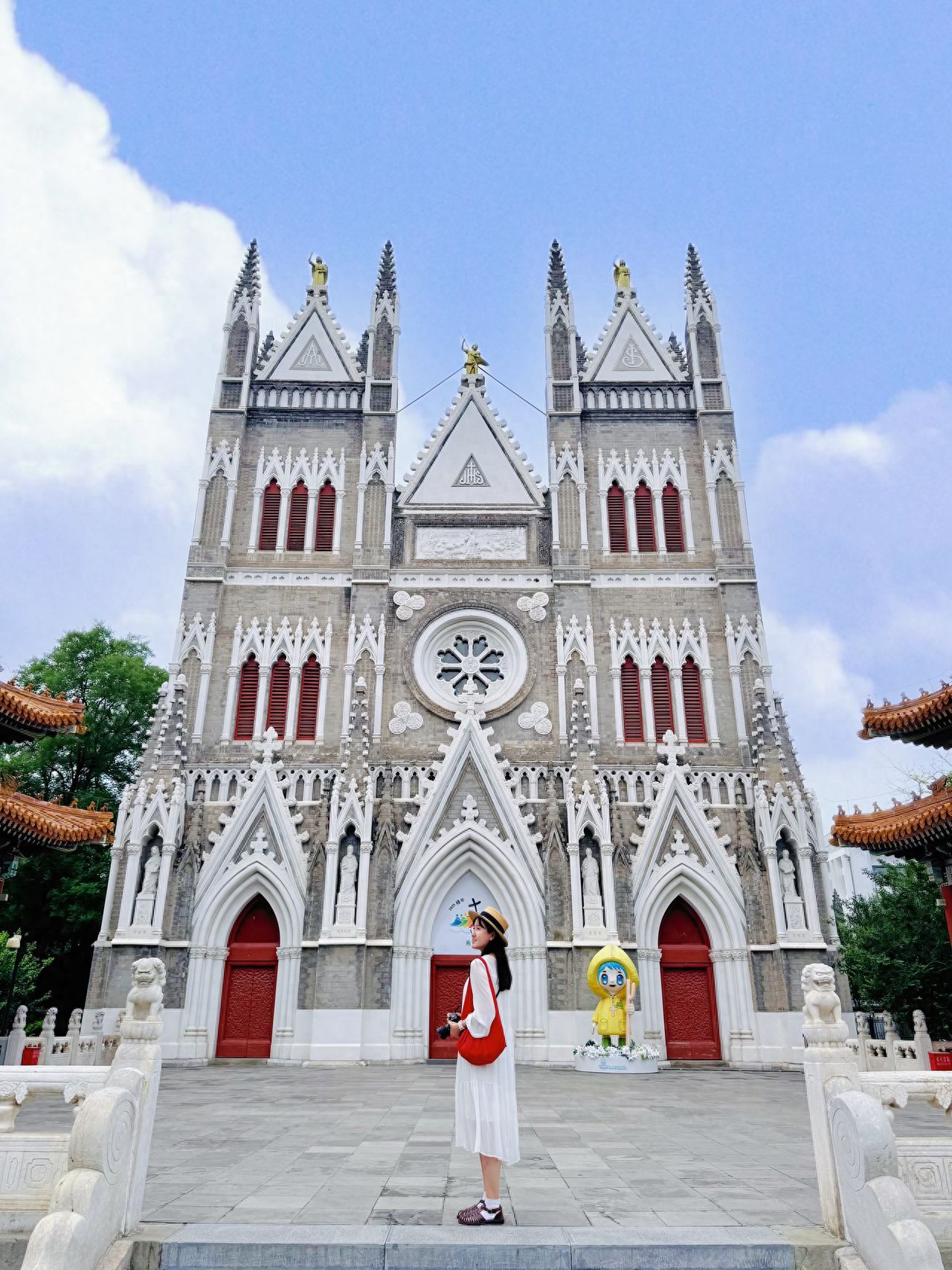
The model should stand at the top of the steps, and the photographer should position themselves about 2 meters below the model. For an iPhone 15 Pro, use a 1x zoom, and for a camera, use a 27mm focal length. Tilt the camera slightly upward to ensure the top of the building is fully in the frame, while the bottom of the frame captures the model’s feet.

1. Photography Equipment: iPhone 15 Pro.
2. Pose: The model should stand on the central axis, facing the camera or slightly turned.
3. Visiting Tips: The church is open from 6:00 AM to 11:30 AM and 2:00 PM to 5:00 PM on weekdays (Monday to Saturday), and from 6:00 AM to 7:00 PM on Sundays.
4. Note: Dress appropriately with skirts or dresses covering the knees, no exposed shoulders or backs, no flip-flops, and remove hats. Keep phones on silent. Tripods and commercial photography are not allowed. Maintain a quiet environment and avoid loud conversations and running around.

The Cathedral of the Immaculate Conception, Xi Shi Ku, Beijing - Church Panorama

Created bytklib

33.8k reviews

No. 33, Xishiku Street, Xicheng District, Beijing

Photography Tips

The model should stand at the top of the steps, and the photographer should position themselves about 2 meters below the model. For an iPhone 15 Pro, use a 1x zoom, and for a camera, use a 27mm focal length. Tilt the camera slightly upward to ensure the top of the building is fully in the frame, while the bottom of the frame captures the model’s feet. 1. Photography Equipment: iPhone 15 Pro. 2. Pose: The model should stand on the central axis, facing the camera or slightly turned. 3. Visiting Tips: The church is open from 6:00 AM to 11:30 AM and 2:00 PM to 5:00 PM on weekdays (Monday to Saturday), and from 6:00 AM to 7:00 PM on Sundays. 4. Note: Dress appropriately with skirts or dresses covering the knees, no exposed shoulders or backs, no flip-flops, and remove hats. Keep phones on silent. Tripods and commercial photography are not allowed. Maintain a quiet environment and avoid loud conversations and running around.

Walking Guide
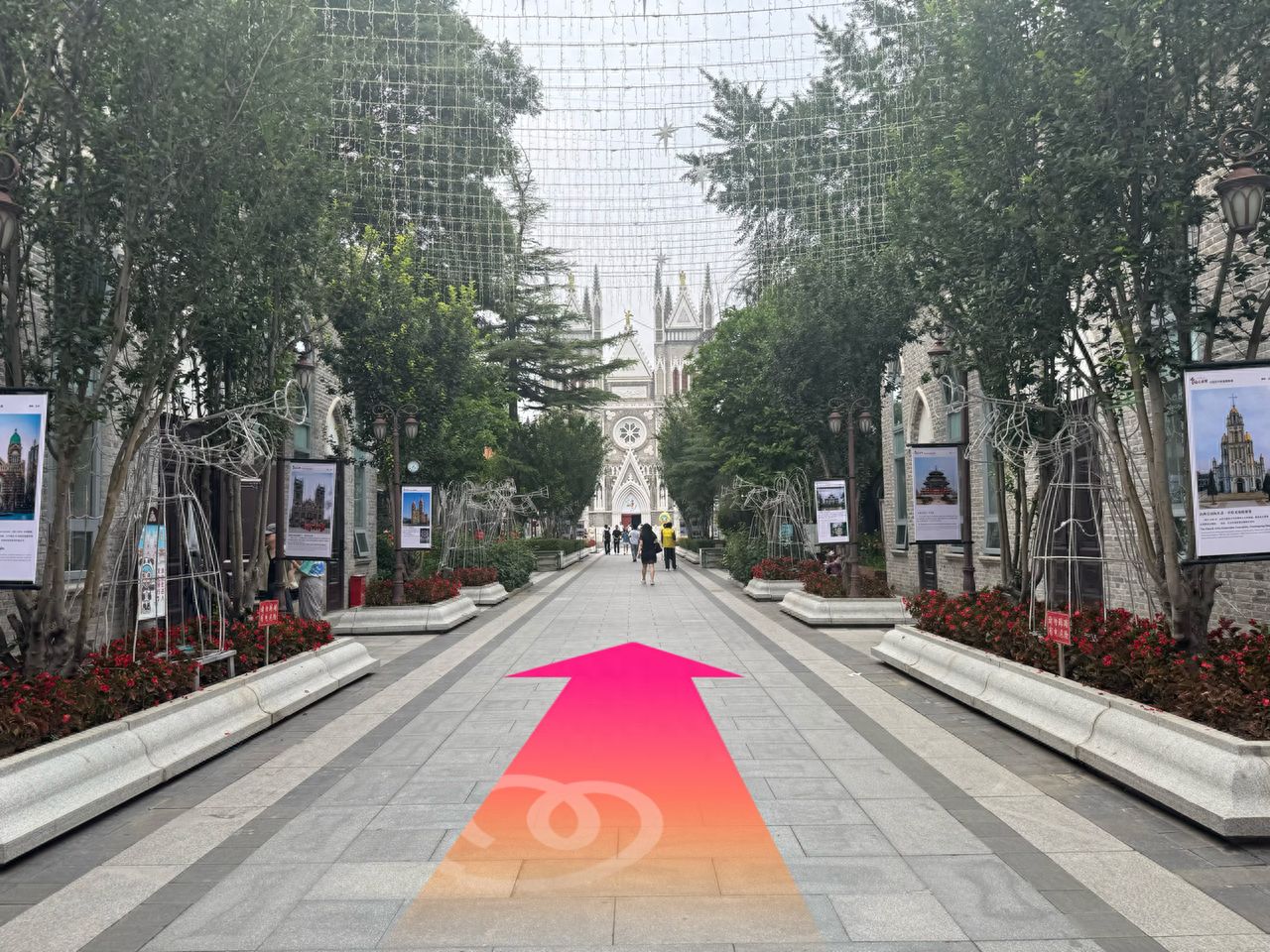
Continue straight. — step-by-step photo guide
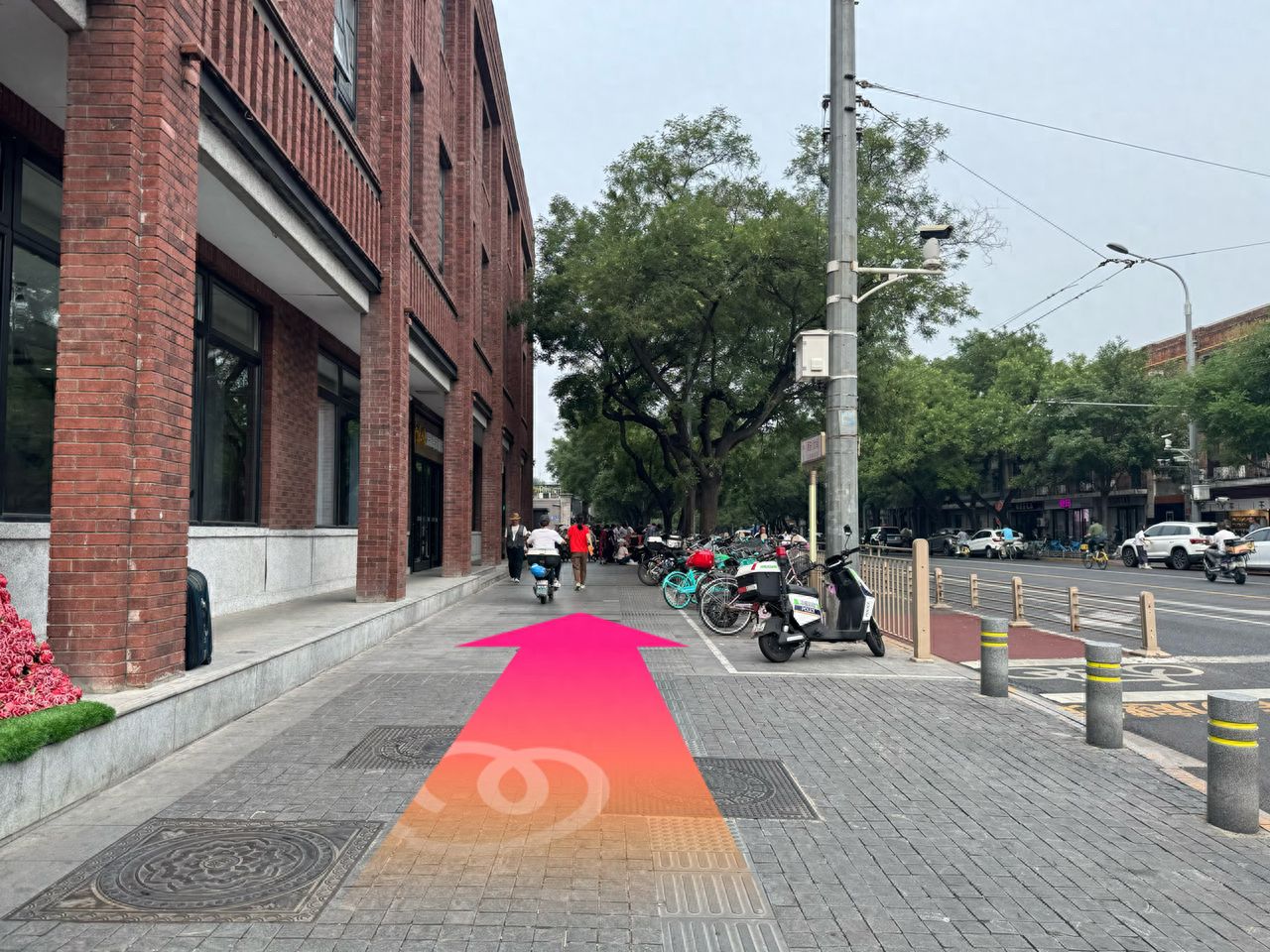
Continue straight.

After crossing the crosswalk, continue straight for about 350 meters. — step-by-step photo guide
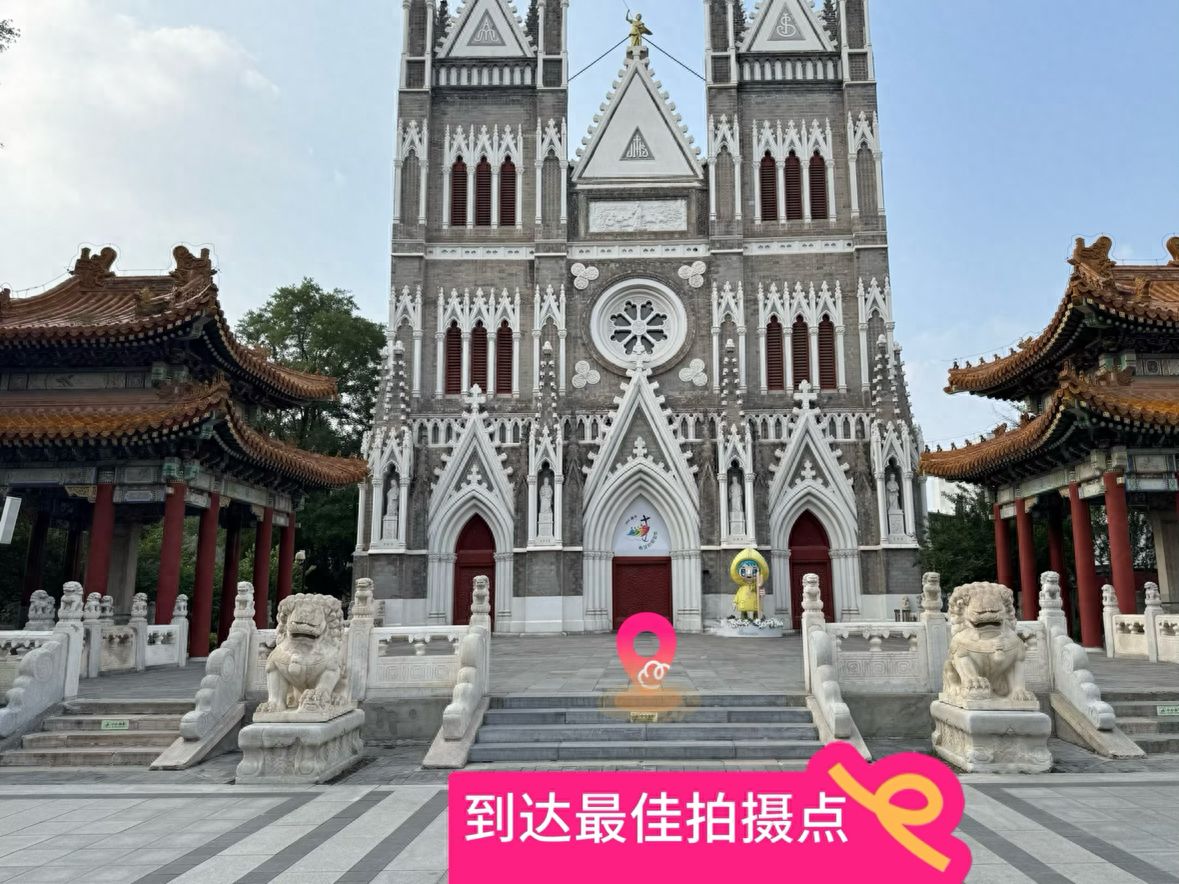
After crossing the crosswalk, continue straight for about 350 meters.

Step up to the platform for the best photo spot. — step-by-step photo guide
Step up to the platform for the best photo spot.

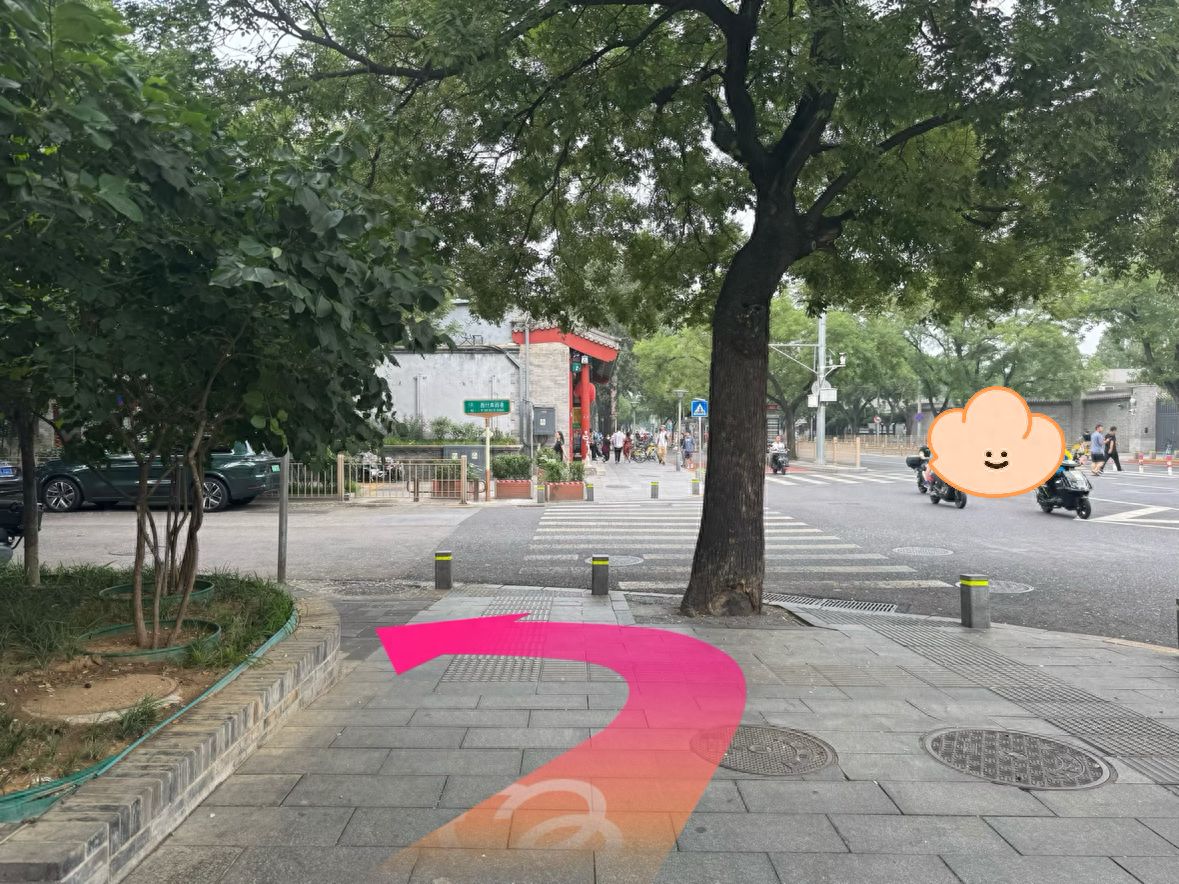
Turn left at the intersection. — step-by-step photo guide
Turn left at the intersection.

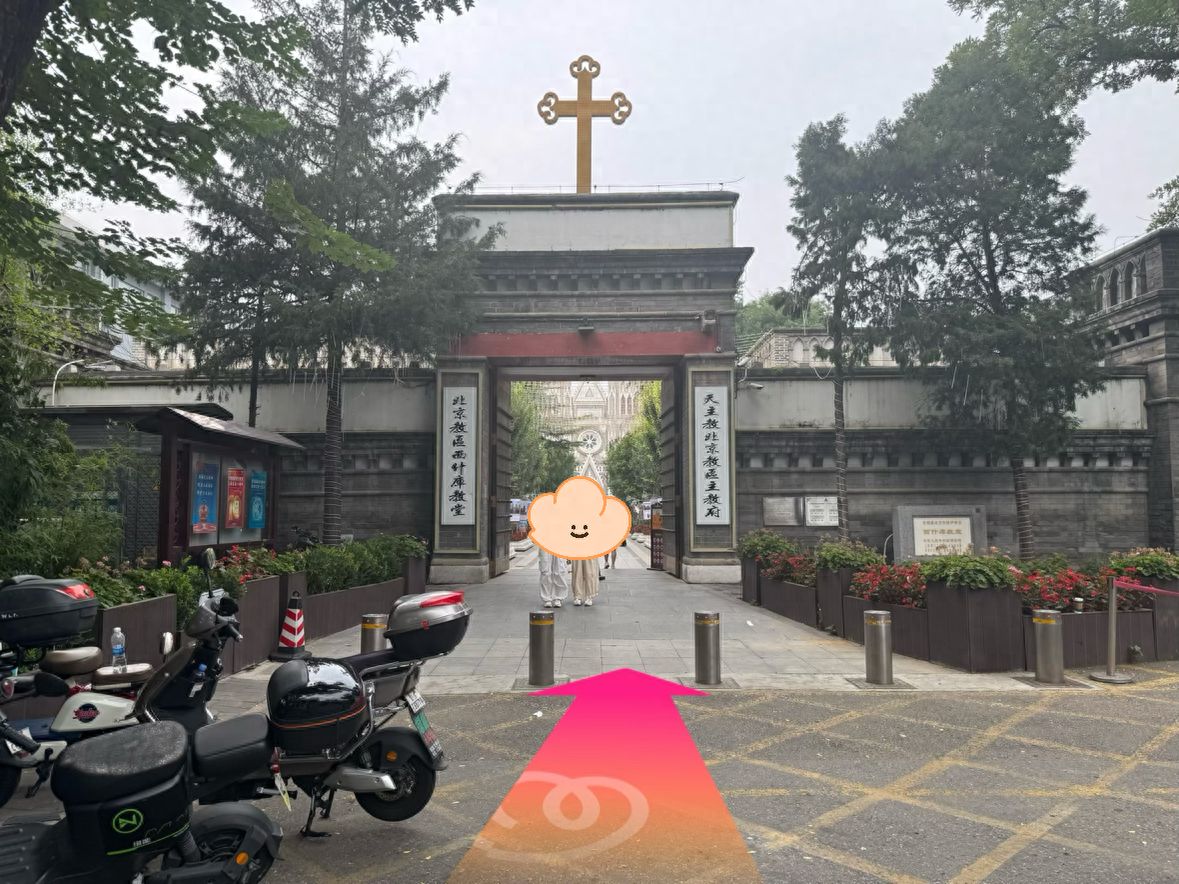
Enter the gate. — step-by-step photo guide
Enter the gate.

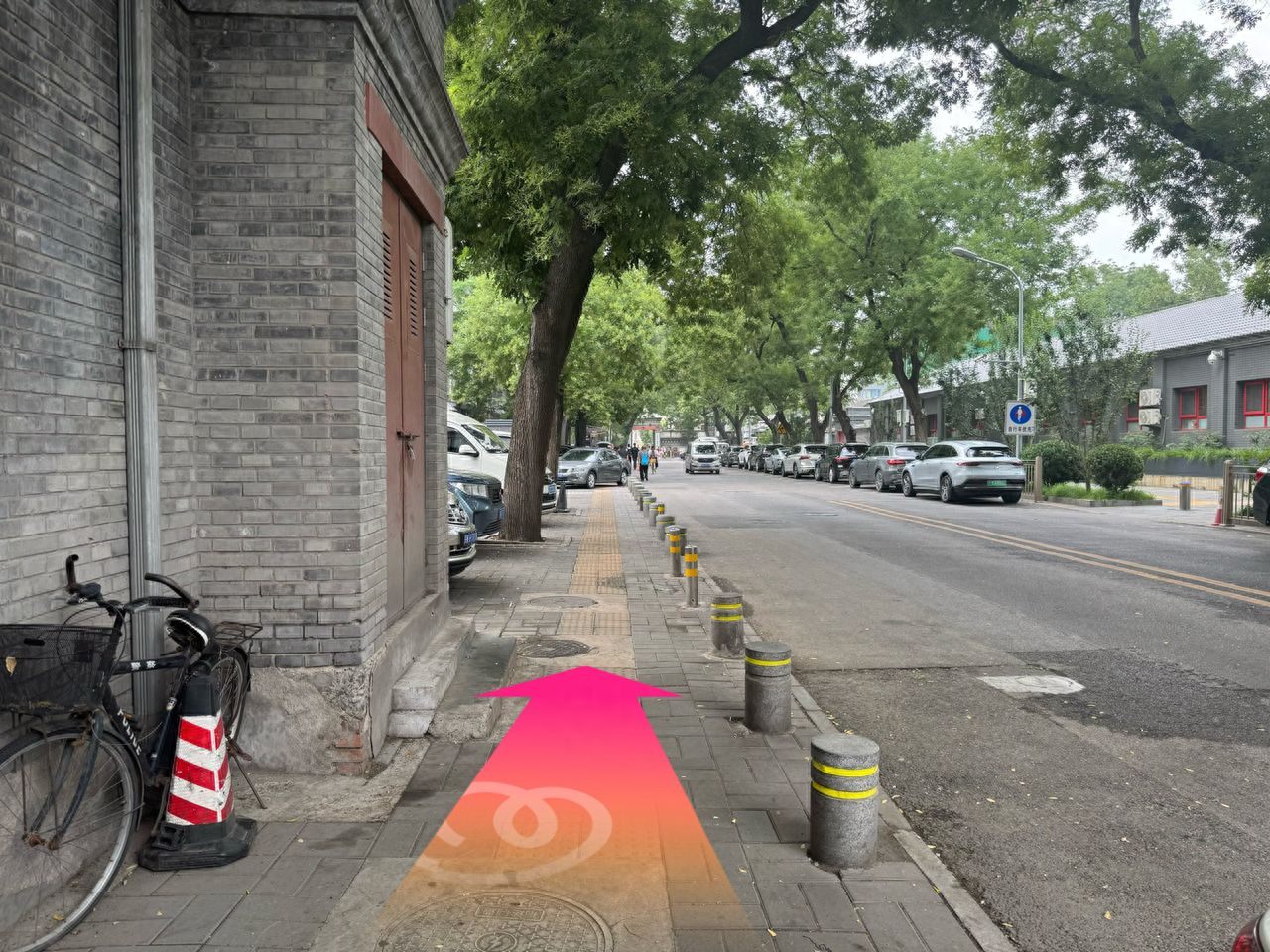
Turn left and continue straight. — step-by-step photo guide
Turn left and continue straight.

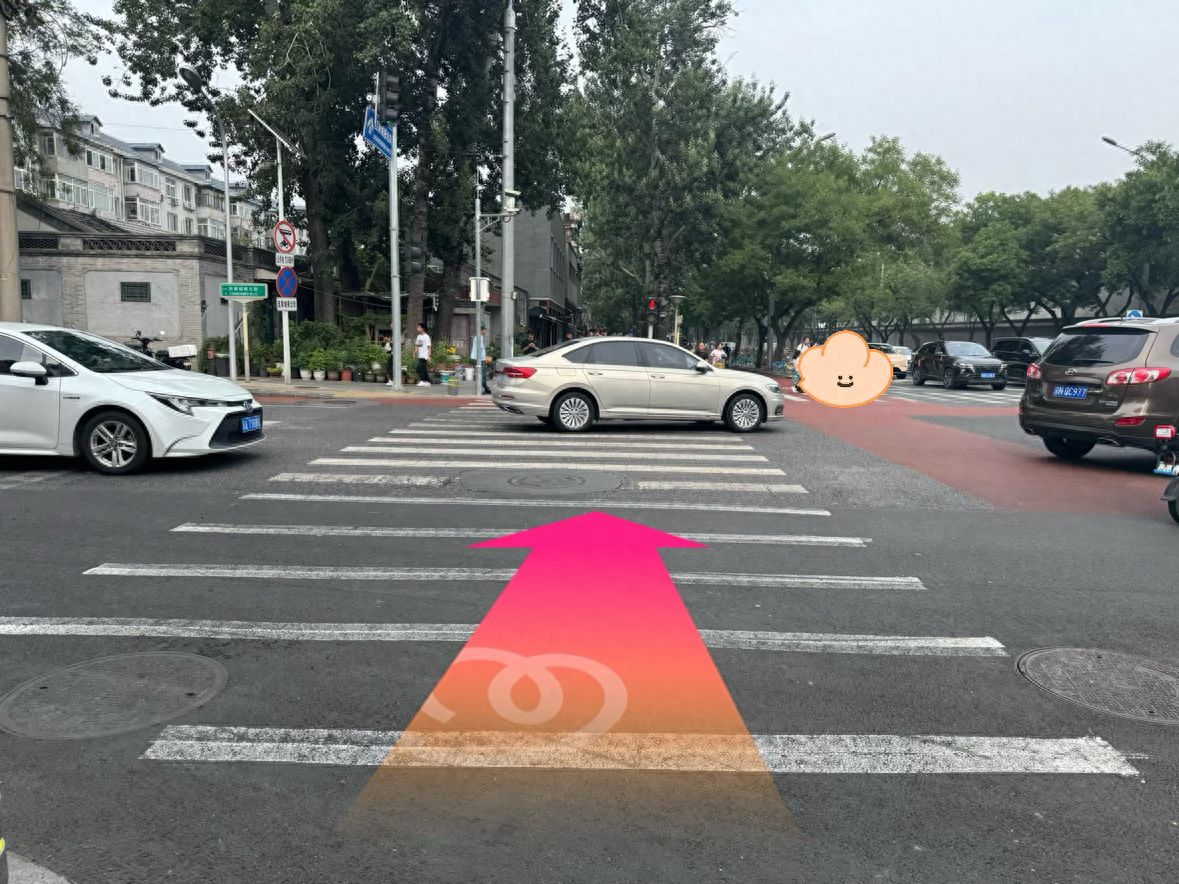
Walk to the intersection, cross the pedestrian crossing, and continue straight for about 150 meters. — step-by-step photo guide

Walk to the intersection, cross the pedestrian crossing, and continue straight for about 150 meters.
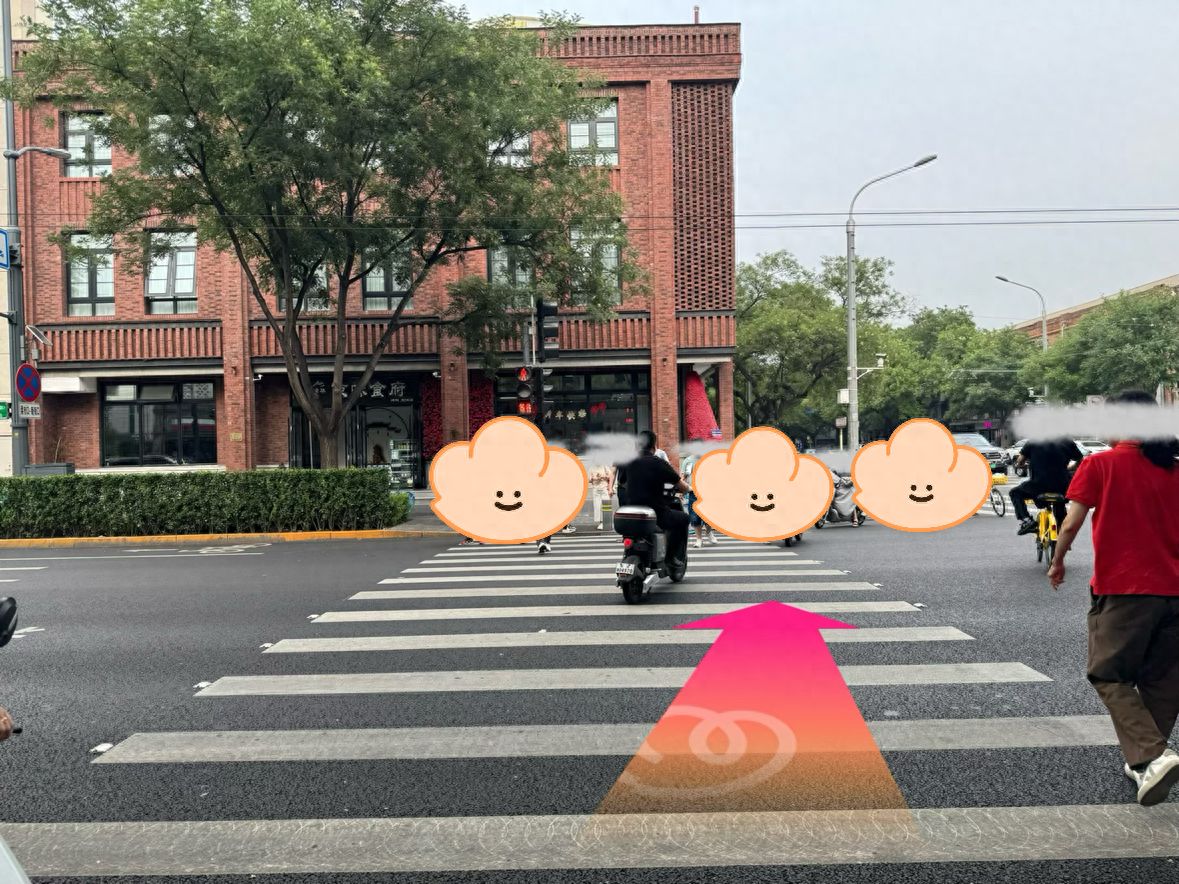
Continue to cross the crosswalk. — step-by-step photo guide
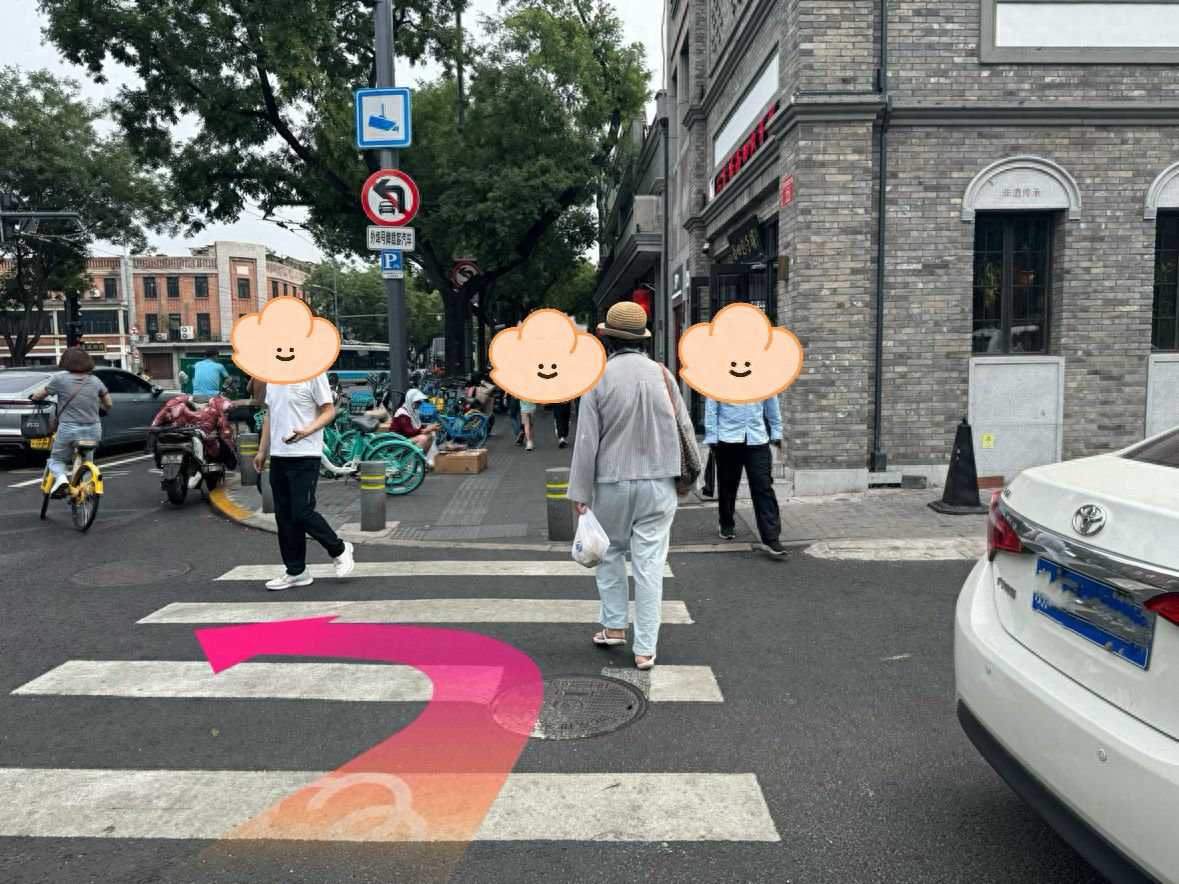
Continue to cross the crosswalk.

Go straight across the crosswalk and then turn left. — step-by-step photo guide
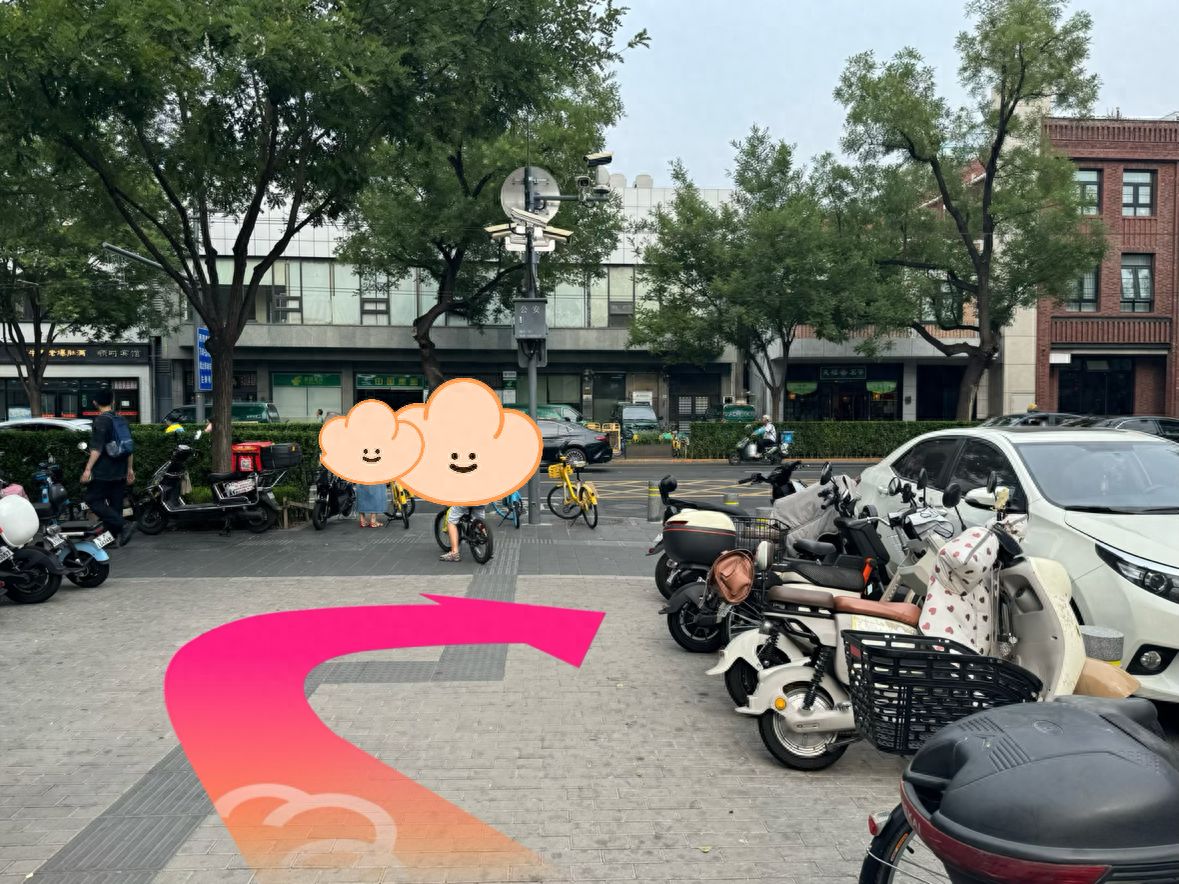
Go straight across the crosswalk and then turn left.

Turn right onto the main road. — step-by-step photo guide
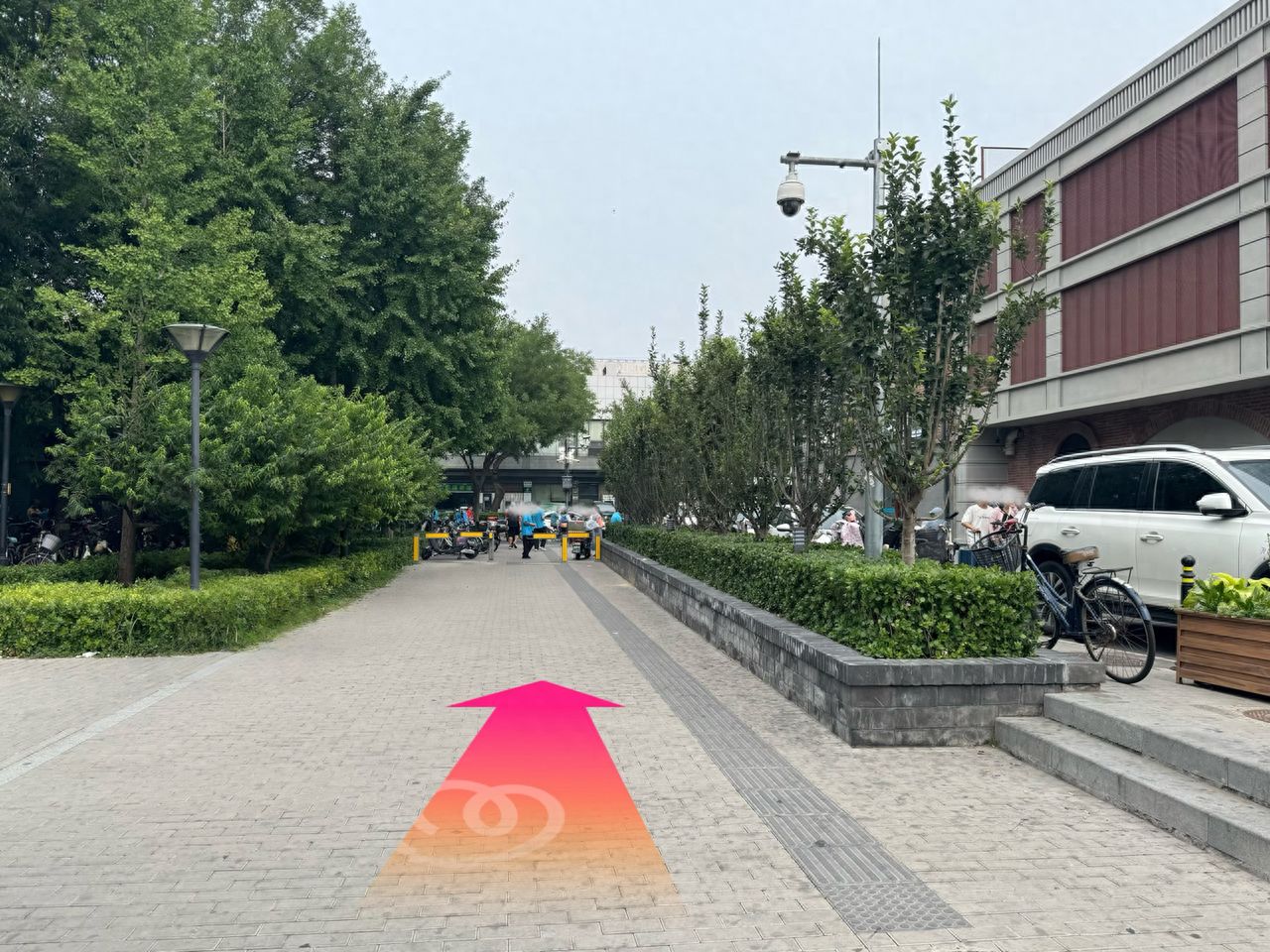
Turn right onto the main road.

Exit D of Xisi Metro Station, then go straight. — step-by-step photo guide

Exit D of Xisi Metro Station, then go straight.